Triggered Power
Power spectra locked to TTL or message triggers, accumulated across trials and split by condition.
Appears in the GUI processor list as Triggered Power. It needs the
FFTW runtime in the GUI's shared directory.
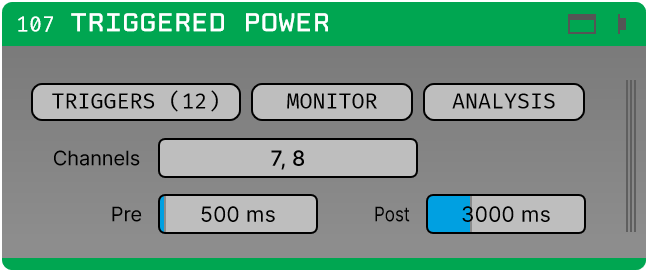
Two display modes, two estimators
The Mode parameter picks between a time-resolved spectrogram and a single spectrum per trial window, each with its own estimator.
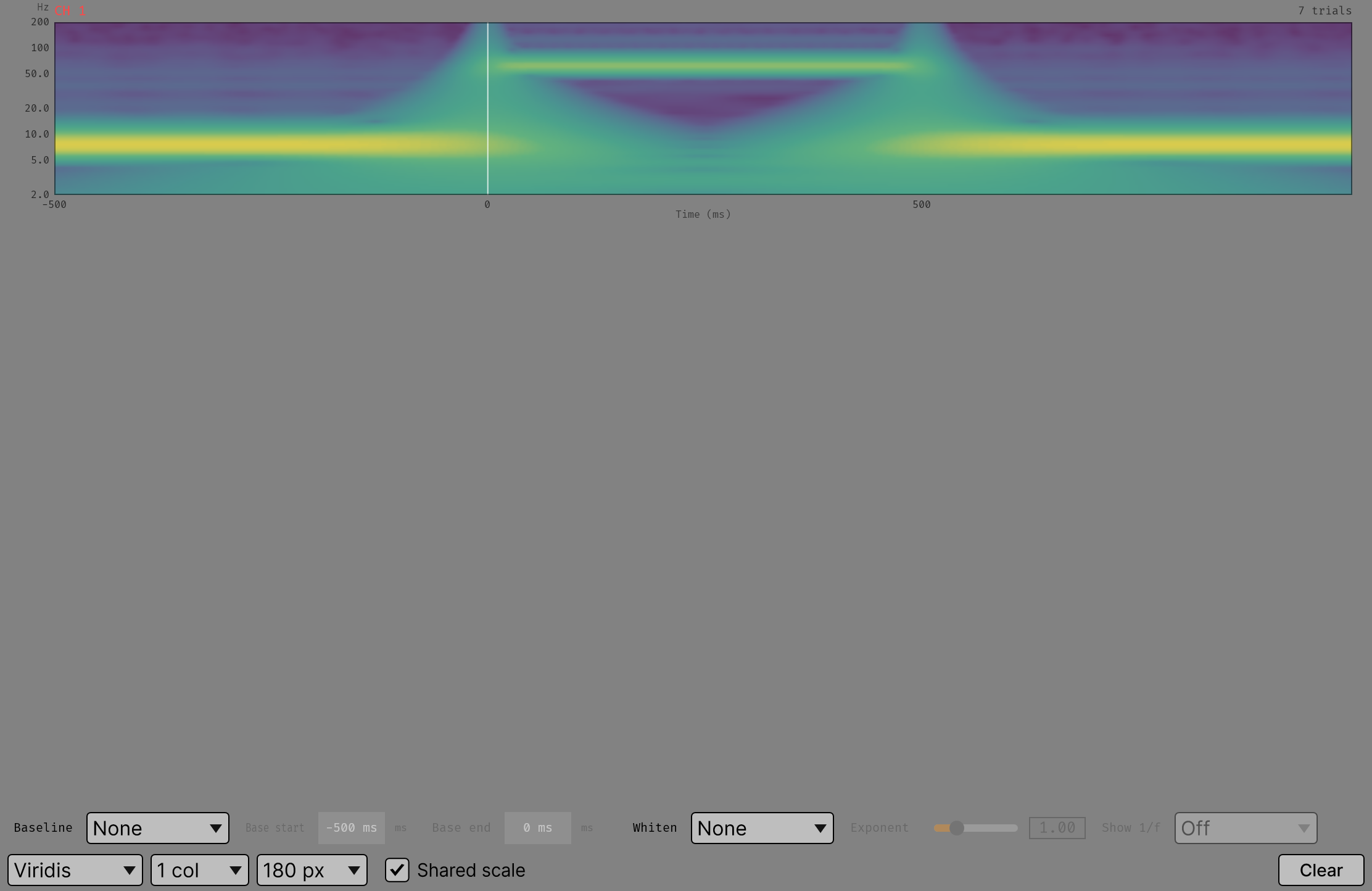
A time-frequency map, averaged over trials.
Morlet wavelets (default) or a Hann STFT. Morlet gives one estimate per
trial with a frequency-dependent window: Cycles low at the lowest frequency rising
to Cycles high at the highest, so low frequencies get time resolution and high
frequencies get frequency resolution. The Hann STFT is a fixed sliding window —
STFT window long, stepped by STFT hop — which is the right choice when you want
one time resolution across the whole range.
Screenshot placeholder — see Docs/assets/screenshots/README.md.
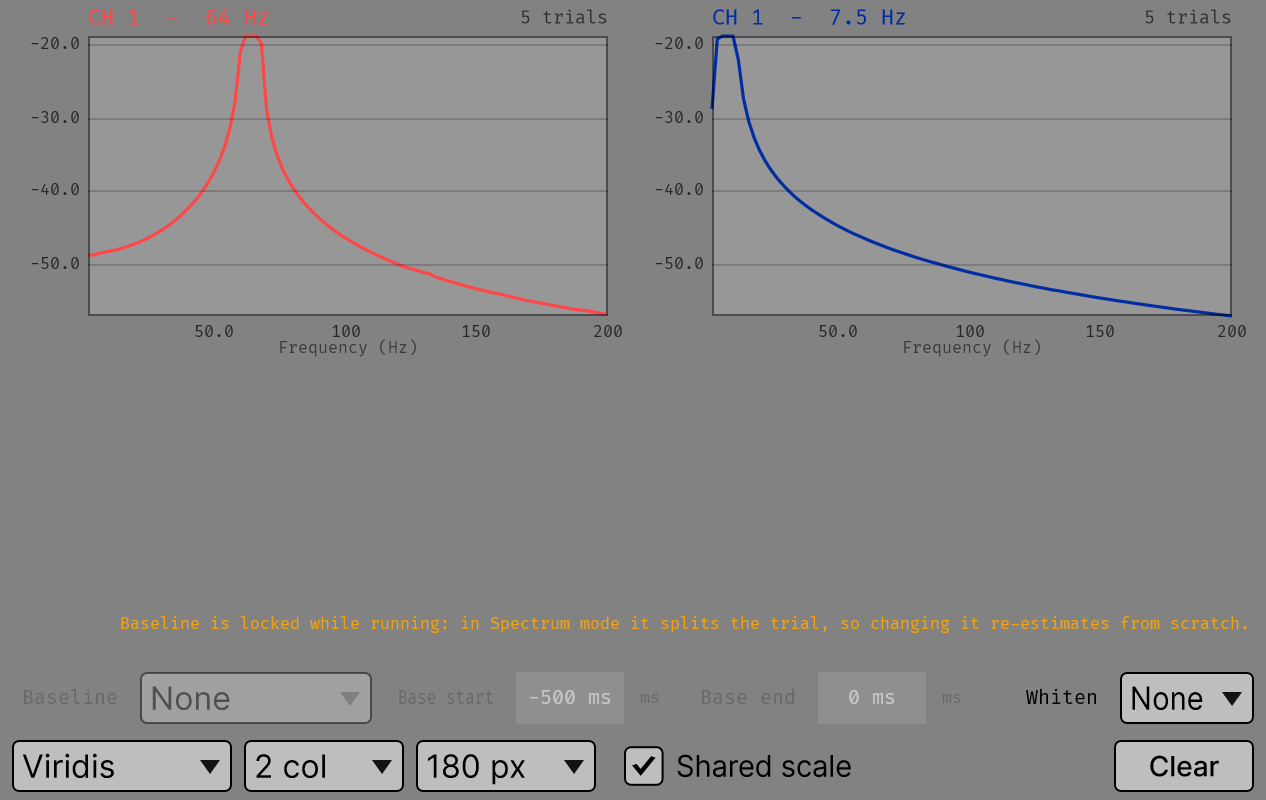
One tapered periodogram over the whole trial window, averaged over trials with the per-trial lines retained.
DPSS multitaper (default) or a single Hann taper. Multitaper trades frequency
resolution for variance: NW is the time-bandwidth product, and Tapers is how many
of the resulting DPSS sequences are used. 2·NW − 1 is the usual choice; the
defaults are NW 3 and 5 tapers.
Screenshot placeholder — see Docs/assets/screenshots/README.md.
ANALYSIS
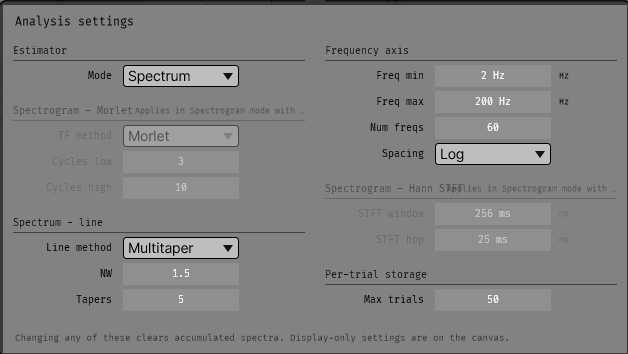
Everything behind ANALYSIS reshapes the accumulators, so all of it is locked during acquisition and changing any of it discards what has accumulated.
Screenshot placeholder — see Docs/assets/screenshots/README.md.
| Group | Parameters | Applies when |
|---|---|---|
| Estimator | Mode | always — everything else's greying depends on it |
| Frequency axis | Freq min, Freq max, Num freqs, Spacing | always |
| Spectrogram — Morlet | TF method, Cycles low, Cycles high | Spectrogram mode, TF method = Morlet |
| Spectrogram — Hann STFT | STFT window, STFT hop | Spectrogram mode, TF method = Hann STFT |
| Spectrum — line | Line method, NW, Tapers | Spectrum mode |
| Per-trial storage | Max trials | Spectrum mode |
A greyed group says what would have to change for it to apply.
Defaults and ranges: Parameter reference → Spectral.
Canvas
All the canvas controls are display-time: applied when the display reads the accumulators, so none of them discards a trial.
| Control | Effect |
|---|---|
| Colour map | Viridis, Magma, Diverging (blue-white-red, for signed data such as dB change) or Greyscale. |
| Columns, Panel height | Grid layout. |
| Baseline | None, dB change, Percent change or Z-score, against the window set by Base start and Base end. |
| Whiten | None, Fixed exponent or Fitted 1/f. |
| Show 1/f | Plot the un-whitened spectrum with the aperiodic background drawn over it. Spectrum mode only. |
| CLEAR | Discards accumulated trials, keeps the conditions. |
There are no SAVE / LOAD buttons here: this plugin does not write sessions — see below.
Baseline
Base start and Base end are relative to the trigger, so the default window is
−500 ms to 0 ms: the pre-trigger stretch.
In Spectrum mode the baseline does change what is estimated
It splits the trial window. It stays on the canvas because that is where it is used.
Whitening
Removes the aperiodic 1/f background. Fixed exponent multiplies by f^exponent, which
is cheap and predictable when the exponent is known. Fitted 1/f fits the aperiodic
component (log10 P = offset − exponent · log10 f) and divides it out.
Turn Show 1/f on while tuning the exponent. The panel then plots the raw spectrum
with the line that would be removed drawn over it, so the slider has something to aim at.
Sessions
Not implemented. The canvas carries no SAVE / LOAD buttons. The shared session machinery is in place; the gather/apply for the spectral accumulators is not.
Triggered Average and the Bar Mapper do write sessions; see Saved sessions.
Parameters
Full list with defaults, ranges and scope: Parameter reference → Spectral.